New YMCA of Greater Charlotte Mobile App
Stay Connected.
Stay Inspired.
Stay Active.
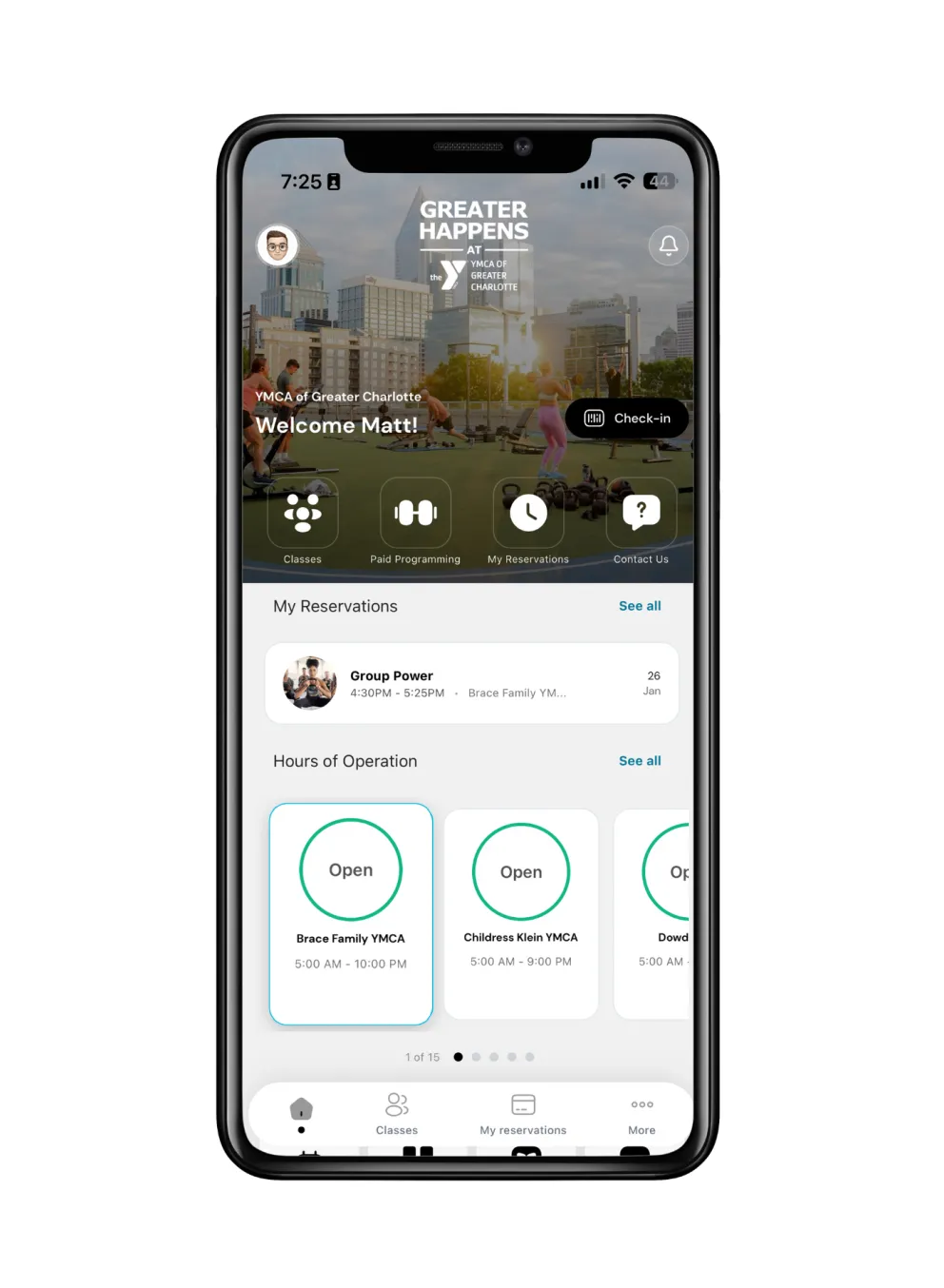
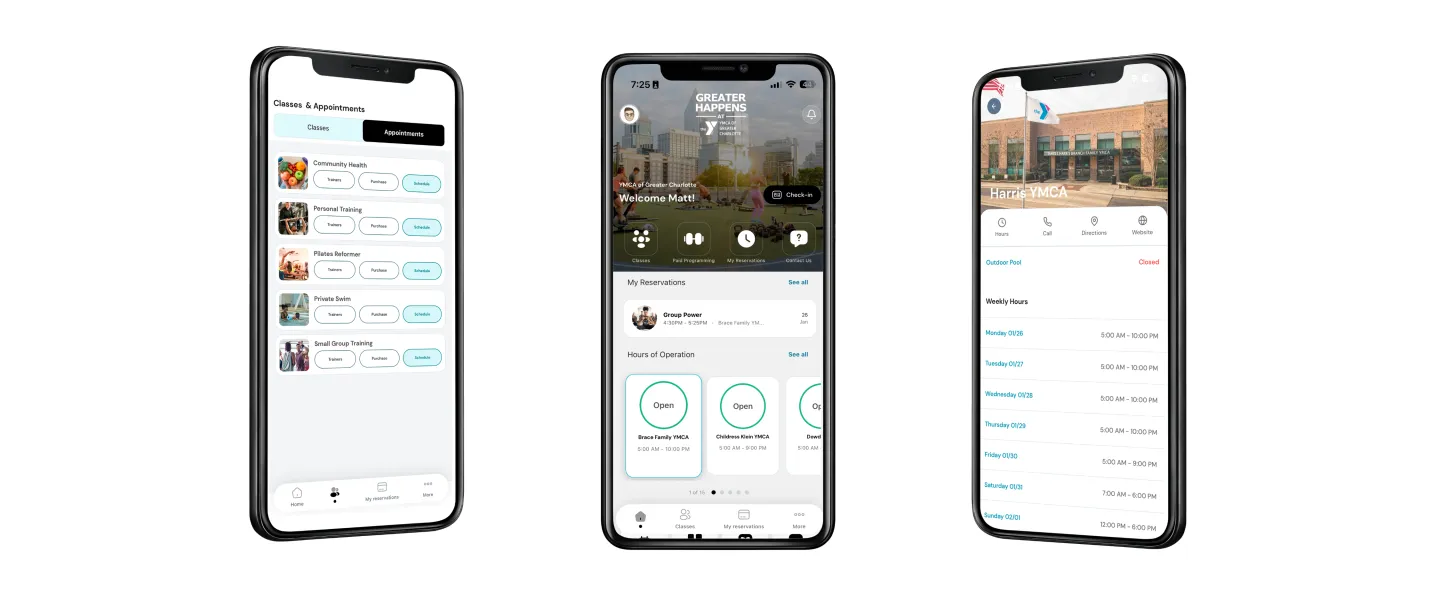
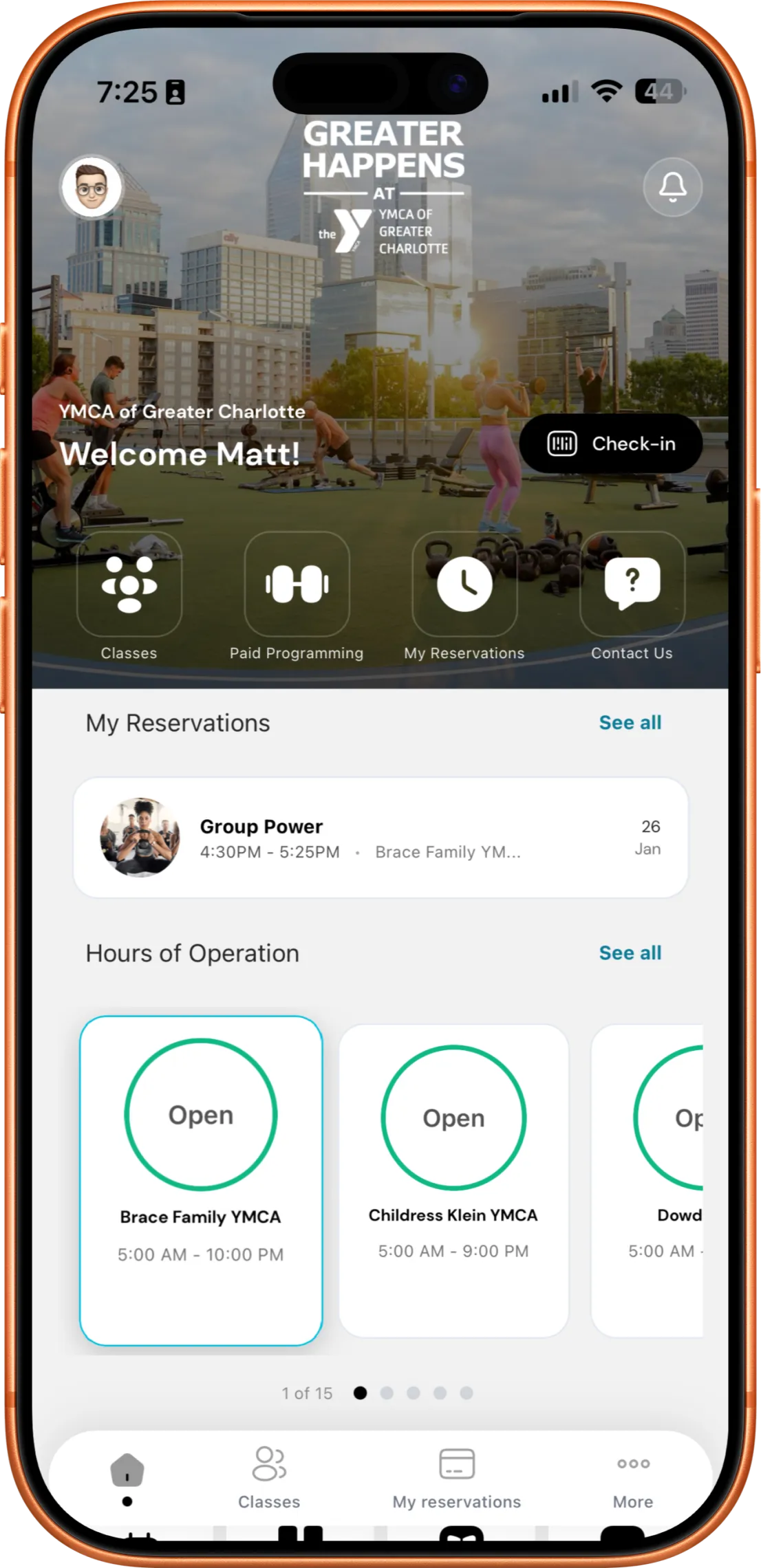
The YMCA app brings everything you love about the Y into one easy place. From checking in and viewing schedules to discovering programs for the whole family, the app helps you make the most of every visit.
What you’ll love:
- Quick check-in with your digital membership card
- Easy access to class reservations including ability to search by instructors
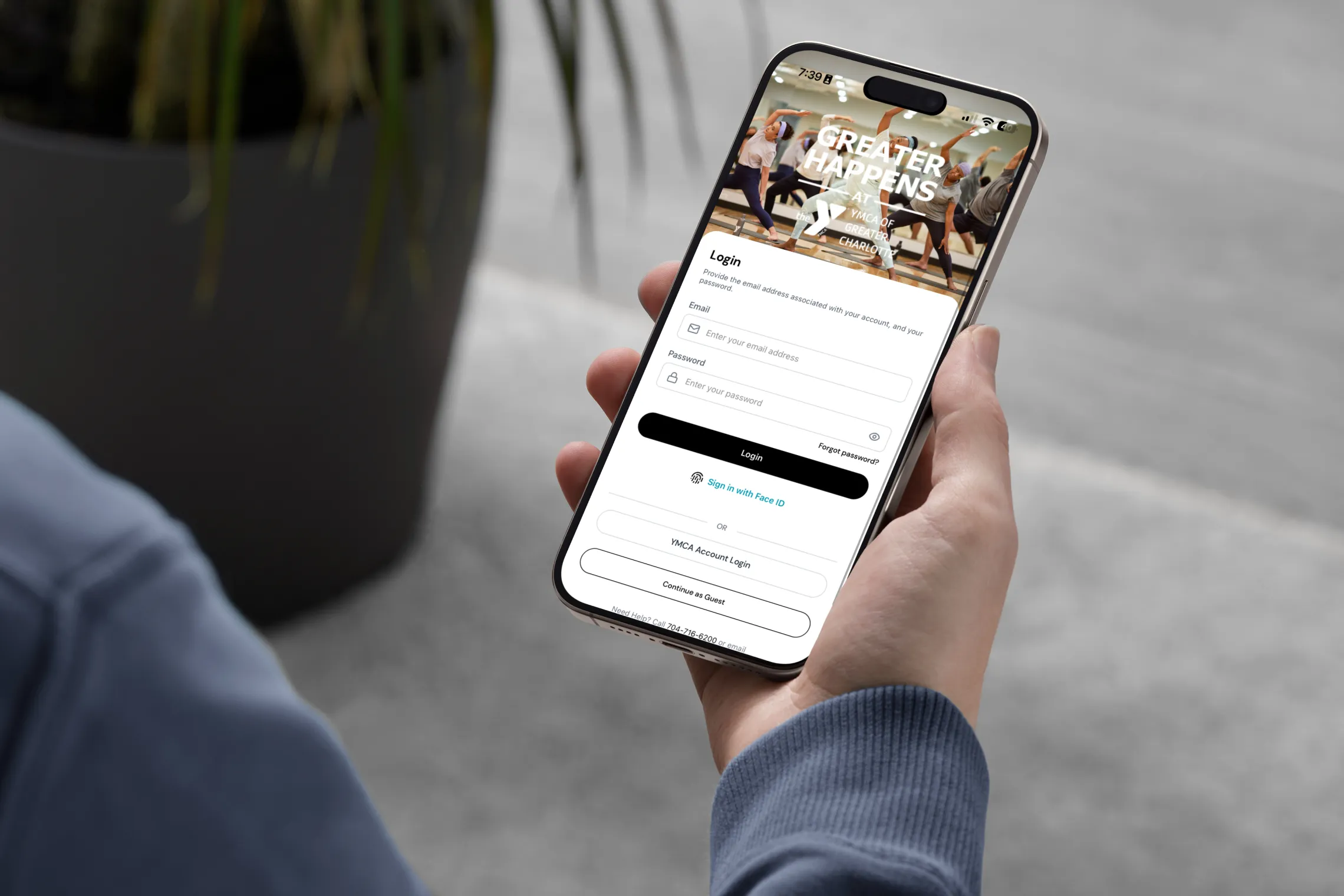
- One simple sign-on to access all YMCA accounts
- Programs for fitness, kids, camps and community


Getting Started
Download the YCLT app by visiting the Apple Store or Google Play Store.
After downloading the app, follow the steps below to set up Single Sign-On (SSO) for seamless access:
- Click here to set up your SSO.
- Click on Setup/Login with Single Sign On button (SSO).
- Click on Sign Up under the Continue button.
- Enter your email address. You will be sent a 6-digit code. Once received, enter code into prompt.
- Create your new password.
- Enter your first name, last name, and birthday. Click Continue.
Please note: Your new password replaces any other previous passwords. Please use this password any time you want to access your YMCA account.

Get Fit and Rewarded
Not only will the YCLT app help you get fit, it can get you great stuff! Earn points for scanning into a center, completing workouts, joining challenges, and more.
Redeem those points for great rewards you actually want!

Stay Motivated
Set personal fitness goals based on your personal fitness style. Track your progress for calories burned, active time, distance and workout frequency. The YCLT mobile app will help you stay motivated and on track!
Want more? Join community challenges and get fit together!