Overview Camp Life
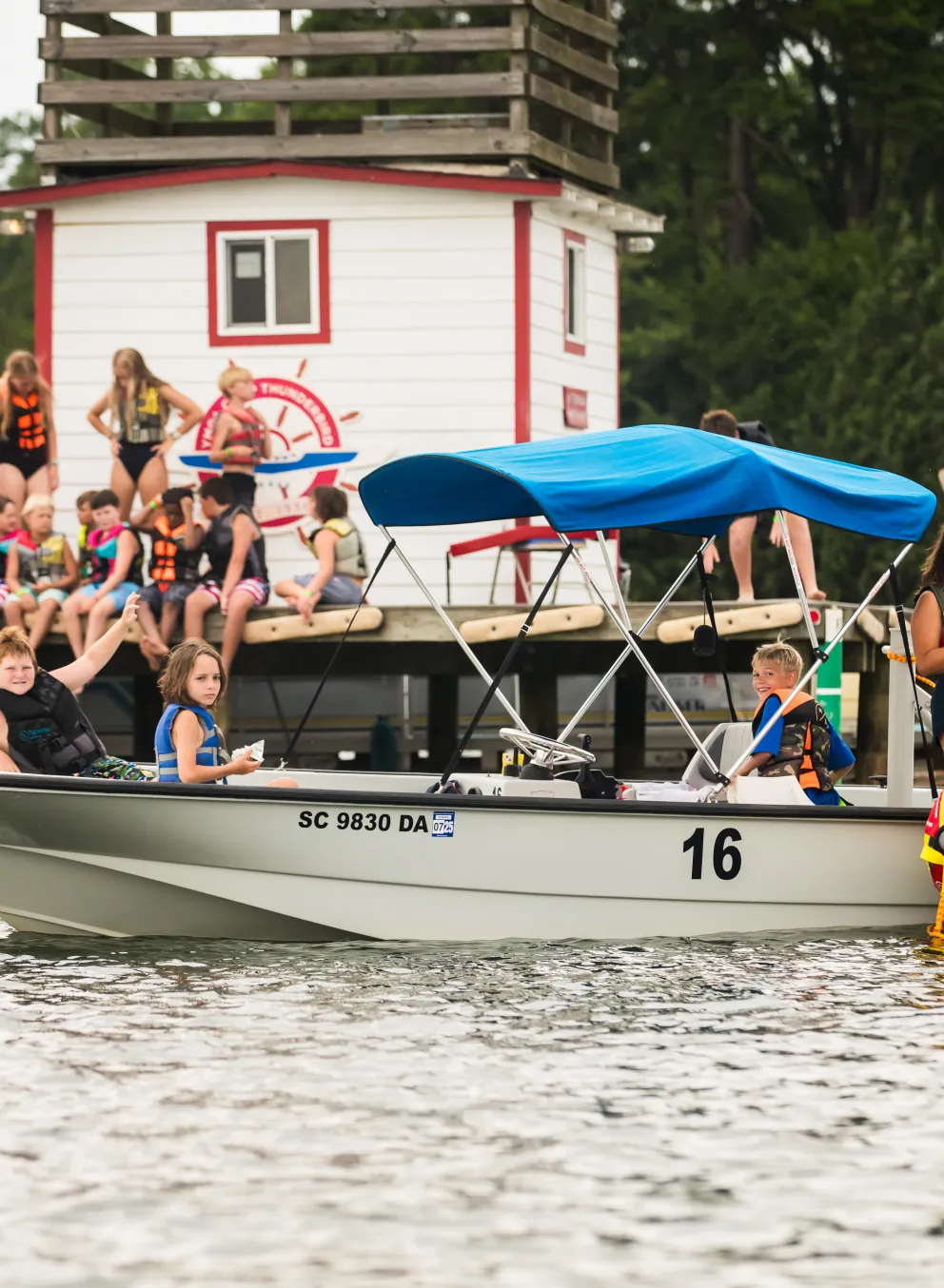
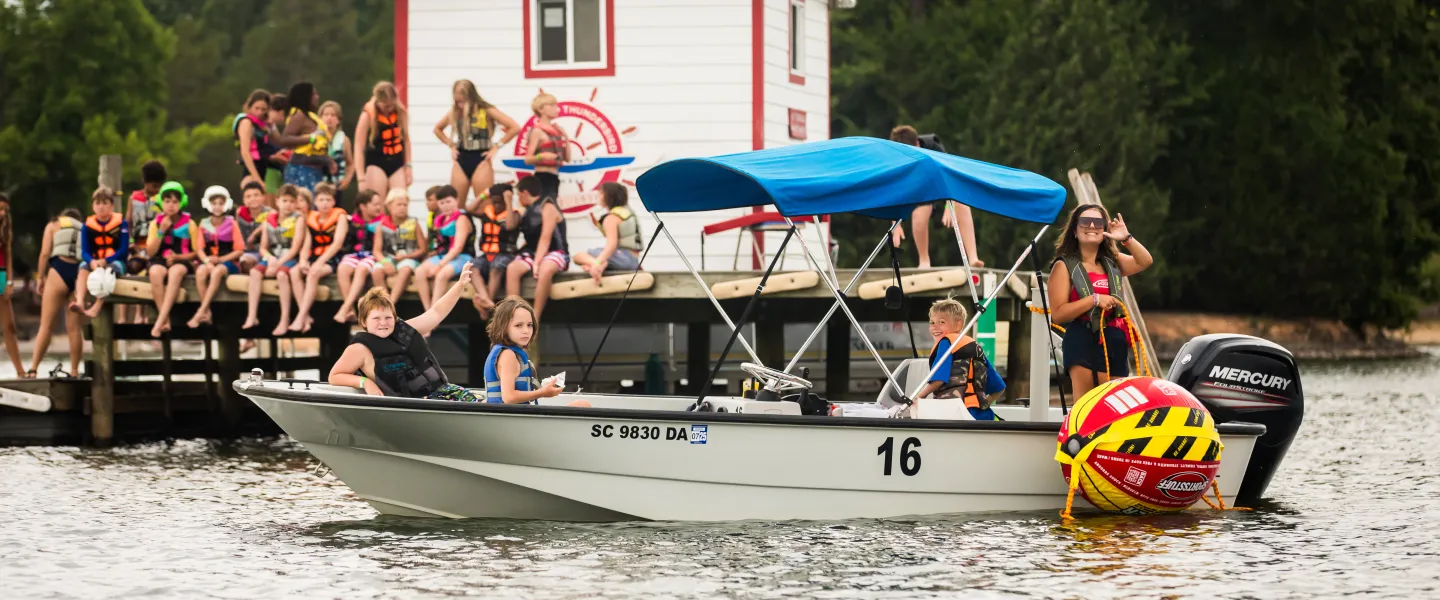
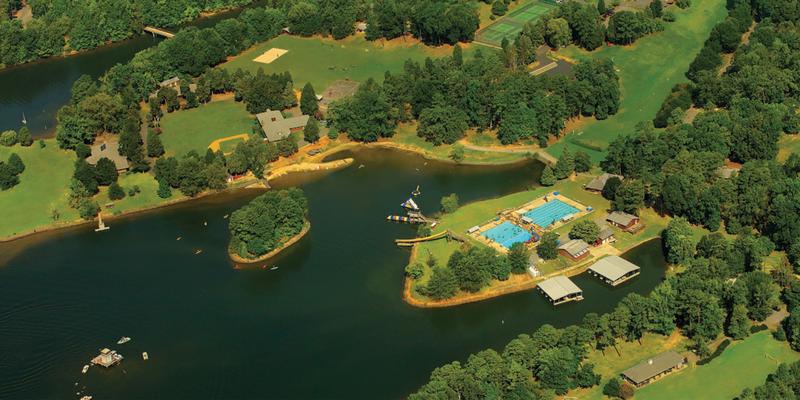
Set on a stunning lakeside campus, YMCA Camp Thunderbird is where kids come to spread their wings. From wakeboarding and horseback riding to water skiing and outdoor living skills, the camp offers a range of thrilling activities on both land and water. It’s the ideal place for campers to explore their potential, develop new skills, and make lifelong friendships.
For more information please review the following key 2026 Camp Thunderbird documents:
Parent Handbook Packing List Health Center Guide Activity Description 2026
PackMyRx 2026:
Introduction Letter Parent Guide Prescription Guidelines Physician Letter
See how to view your camper's photos.
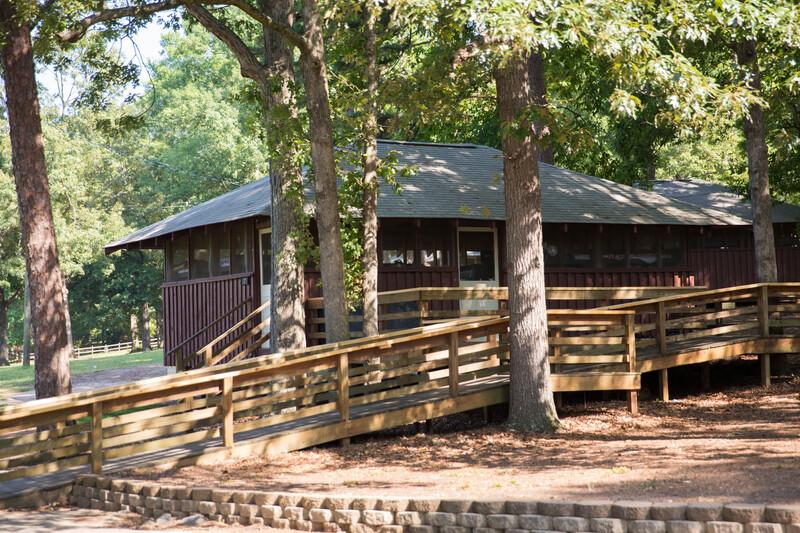
Cabins & Amenities
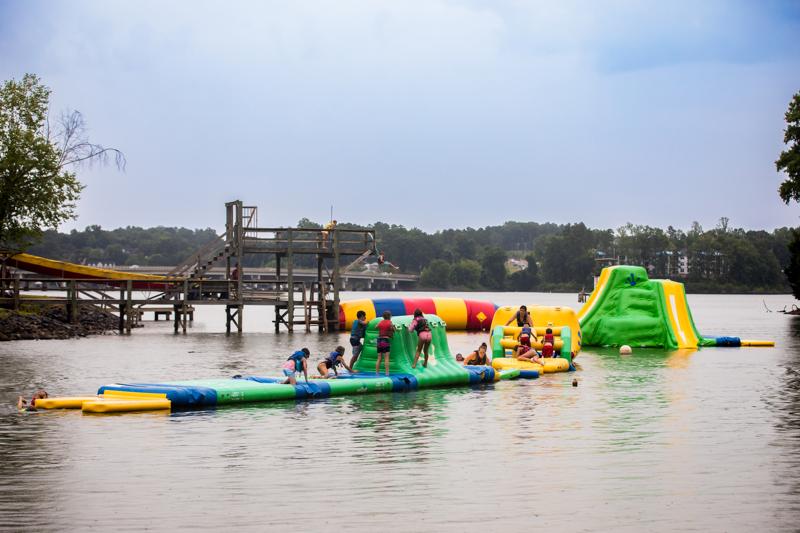
Activities
Here are some of the exciting activities to choose from while at camp:
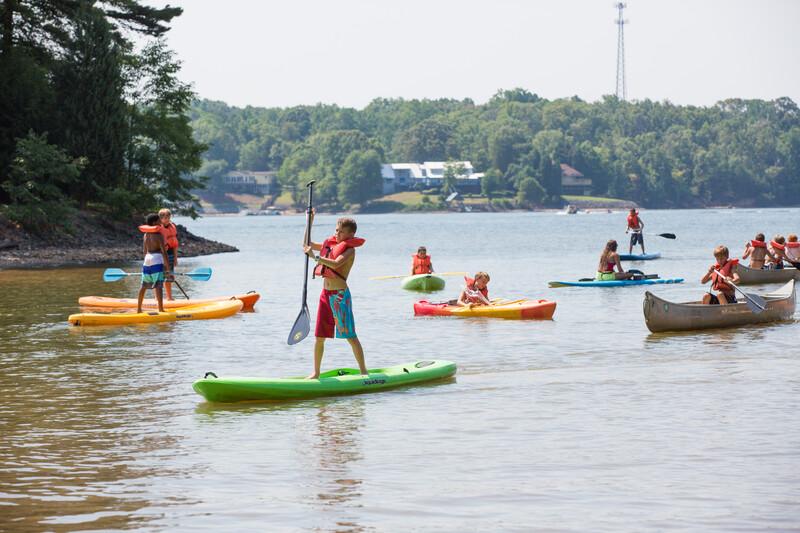
Paddlesports
Water Toys

Swimming

Aerial Adventures
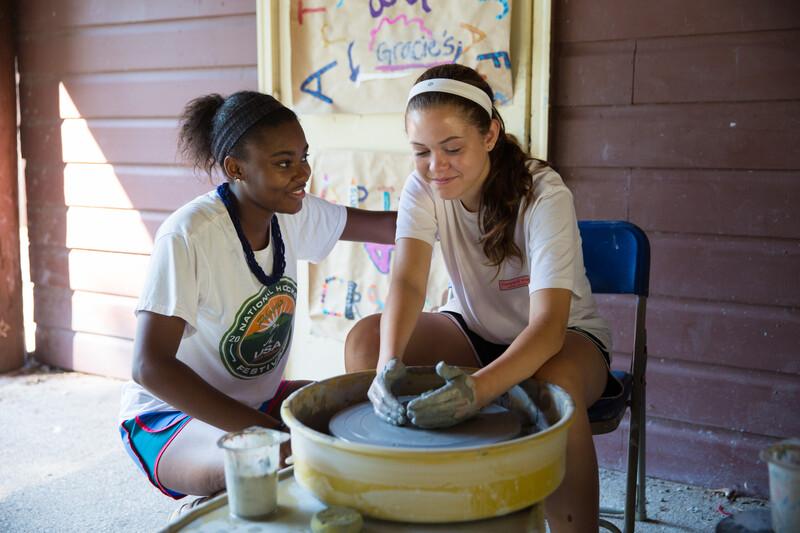
Arts and Crafts
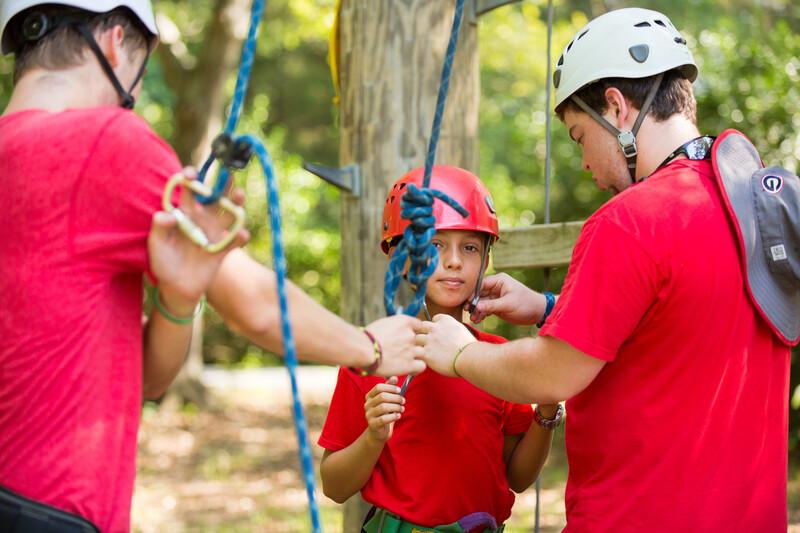
Tree Climbing
Add-On Activities

Advanced Wakeboarding

Horseback Riding
UltraCamp Login & Forms
Important: You must set up your YMCA Single Sign-on (SSO) to access UltraCamp. After creating your SSO, that one login will work for camp, the Y app, and your online YMCA account.
Already set up? Use the Log In button anytime.
- Click “Log In” in the top right corner of this page.
- Select “Setup/Login with Single Sign On (SSO)”.
- Click “Sign Up”.
- Enter your email address - you’ll receive a 6-digit verification code. Enter that code.
- Create your new password.
- Enter your first name, last name, and date of birth then click “Continue.”
Once logged in, you’ll see a blue “UltraCamp Login” button just above the “My Details” section on the page. Click there and you’ll be taken directly to your UltraCamp dashboard! Here, you will be able to review your account members and reservations, as well as add/edit emergency contacts and pickup authorizations for your camper(s).
You should also see an “Incomplete Tasks” notification to the right of the Primary Contact - clicking this will take you directly to all required tasks. If you do not see this notification, you can also access each requirement by selecting the menu in the top left corner and navigating to the “Document Center”.
Required forms include:
- Camper Health Profile
- Camper Confidential
- Medication Policy Acknowledgement
- Arrival & Departure Travel Plans
Required uploads include:
- Camper Health Insurance Cards
- In the Document Center, select “Upload Document” and proceed accordingly.
- Camper Medications (includes meds, supplements, & vitamins – both Rx and OTC)
- From your dashboard, select your camper’s name.
- Expand the section at the bottom titled “Medications”
- Select “Manage Medications” and proceed.
- Thank you for adding this information both in your camper’s UltraCamp profile and in your PackMyRx account.
- From your dashboard, select your camper’s name.
- Expand the section at the bottom titled “Reservations”
- Select the appropriate session
- Expand the section at the bottom titled “Additional Information”
- Click “Edit Information” and proceed.
ALL ULTRACAMP INFORMATION must be completed/submitted by June 1st, 2026